The Complete Guide to Image Search Techniques
The Complete Guide to Image Search Techniques explains how to find images faster using advanced search methods, reverse image search, filters, and smart visual tools.
Images are everywhere on the internet. From blogs and social media to eCommerce stores and research papers, visuals play a powerful role in how we consume information. But finding the right image is not always easy. This is where image search techniques come in. Knowing how to search for images properly can save time, improve accuracy, and help you discover exactly what you need.
In this complete guide, we’ll explore what image search is, why it matters, and the most effective image search techniques you can use today.
What Is Image Search?
Image search is the process of finding images online using search engines or specialized tools. Instead of searching only with text, modern image search allows users to search by keywords, upload images, or even use camera input.
Popular platforms like Google Images, Bing Images, and Pinterest use advanced algorithms, artificial intelligence, and visual recognition to understand images and deliver relevant results.
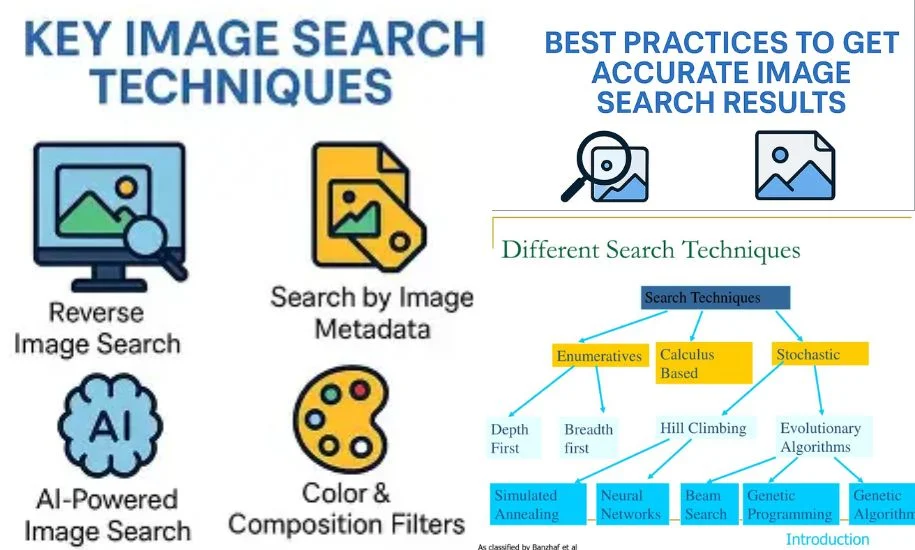
Types of Image Search Techniques
The different objectives require the use of various types of image search techniques. Knowing each of them empowers the users of this technology to the fullest.
Keyword-Based Image Search
This is the easiest and most attainable by a common user method of all. Users put descriptive words in a search engine and the system returns images relevant to the input words. The method depends very much on the metadata connected with the images, e.g. titles, captions, and alt text.
Keyword based searches are perfect for obtaining general pictures like nature scenes, business icons or promotional images. For example, the input “sunset over mountains” will produce a large number of results that match the description. This method is most suitable for everyday or you have a clear text providing information of what you want.
Reverse Image Search
Reverse image search enables a user to upload an image instead of entering a text query. The goal of the search engine is to identify those images that either exactly match or are most similar to the input image wherever it is present on the web. The method could chiefly be put to the use to spot plagiarism, confirm authenticity or trace back the original source of a given image.
Just in case you are feeling that a certain photo has been utilized in a wrong way or copied, reverse searching will demonstrate all other locations where it can be found online. It can also help in identifying fake news or manipulated visuals by providing references for different versions of the same image.
Visual Similarity Search
The major difference between the two is that reverse search is for finding the exact matches, while visual similarity search is for finding the closest matches aesthetically. It finds the pictures that have the same layout, texture, or pattern. This method is there for the popularity of the fashion, interior design, and eCommerce industry, where being visually appealing is a must.
In case you were really fond of a piece of furniture or a clothing item, visual similarity search would assist you in coming up with alternative products that bear the same pattern or color. It works as the bridge that connects inspiration with discovery.
Also Explore: Igram World
Color and Pattern-Based Search
This method of searching limits one to a color palette and patterns. Designers, advertisers, and brand managers who like to keep the standard of their works are the most frequent users of this method. In case you are working on a brand campaign that employs some given colors, this method would be quite useful in finding the images that fit your palette.
Besides that, search engines and design platforms are often equipped with color filters that help in matching tones or gradients. They are also equally handy in creative industries, where visual coherence is given a major role.
Object and Facial Recognition Search
By their arrival, Object and facial recognition have immensely contributed to the precision of image searches. These systems are those, which can identify faces, logos, objects, and even the handwriting in the pictures. Law enforcement agencies, media houses, and social media platforms are the users and beneficiaries of these technologies for the purposes of identification and verification.
Just for instance, the facial recognition system might be used to verify if the same person is in different photos, whereas the object detection system can be employed for specifying the identification of such things as vehicles, animals, or household items. With these additions, searches become more dynamic and detailed than ever before.
When to Use Each Image Search Technique?
Success in image search heavily relies on selecting the appropriate method for each particular task. A search based on keywords is suitable for a general overview or when you are in need of concept visuals. Meanwhile, reverse image search is the proper way to go if you want to locate the sources of images, get the copies, or confirm the authenticity.
Visual similarity search excels at design-related tasks where style and aesthetic considerations are the main requirements. Color and pattern-based searches come in handy when you need to maintain brand identity or ensure visual consistency. In contrast, object and facial recognition are the most appropriate methods for identification, law enforcement, or media analysis.
Users can achieve a higher level of accuracy by combining several techniques. For example, a marketer might use a keyword search to get ideas and then employ a reverse search to check the source before using the image. Knowing each method’s strengths leads to better outcomes and time-saving.
Top 6 Tools for Image Search
Google Images – The Standard for Keyword and Reverse Search
Google Images is still the main tool for both keyword and reverse image searches. The large database and smart algorithms of Google can provide accurate results in most cases. Any user can do an image upload, copy-paste a link, or just type some words into the search bar.
Google’s visual recognition system locates the closest matches to the input images and can even suggest made-up topics. Rapid and trustworthy, it offers a great solution for both a personal and a professional purpose.
Lenso AI – The best for face search and AI-powered reverse image search

Lenso.ai is the ultimate solution for reverse image search. Unlike Google, it delivers the best possible matches, allowing you to easily check where your images appear online, find potentially stolen content, and verify whether a person is a catfish or committing fraud. Besides that, Lenso AI can also detect exact duplicates of the image you upload.
Thanks to the alert feature, you will be notified whenever new image matches appear online. With filtering and sorting options, you can refine and narrow down your search even further.
TinEye – Best for Tracking Image Origins and Duplicates
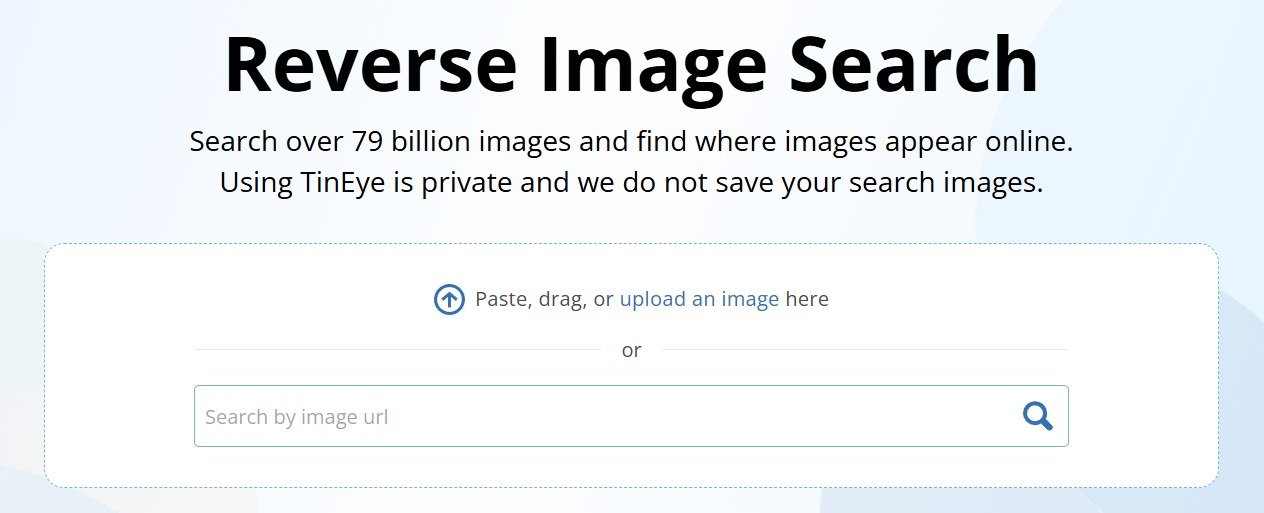
TinEye is all about a reverse image search and is very good at figuring out duplicates and even if the pictures have been slightly changed. Journalists, photographers, and brands are quite a few of the users who are employing it to find out whether their visuals are being used without permission.
TinEye has a huge database of images and can return pictures that have been edited or resized even if it can’t find the exact one. A quite trustworthy tool for security against copyright issues and confirmation of image authenticity.
Bing Visual Search – Great for Shopping and Object Identification
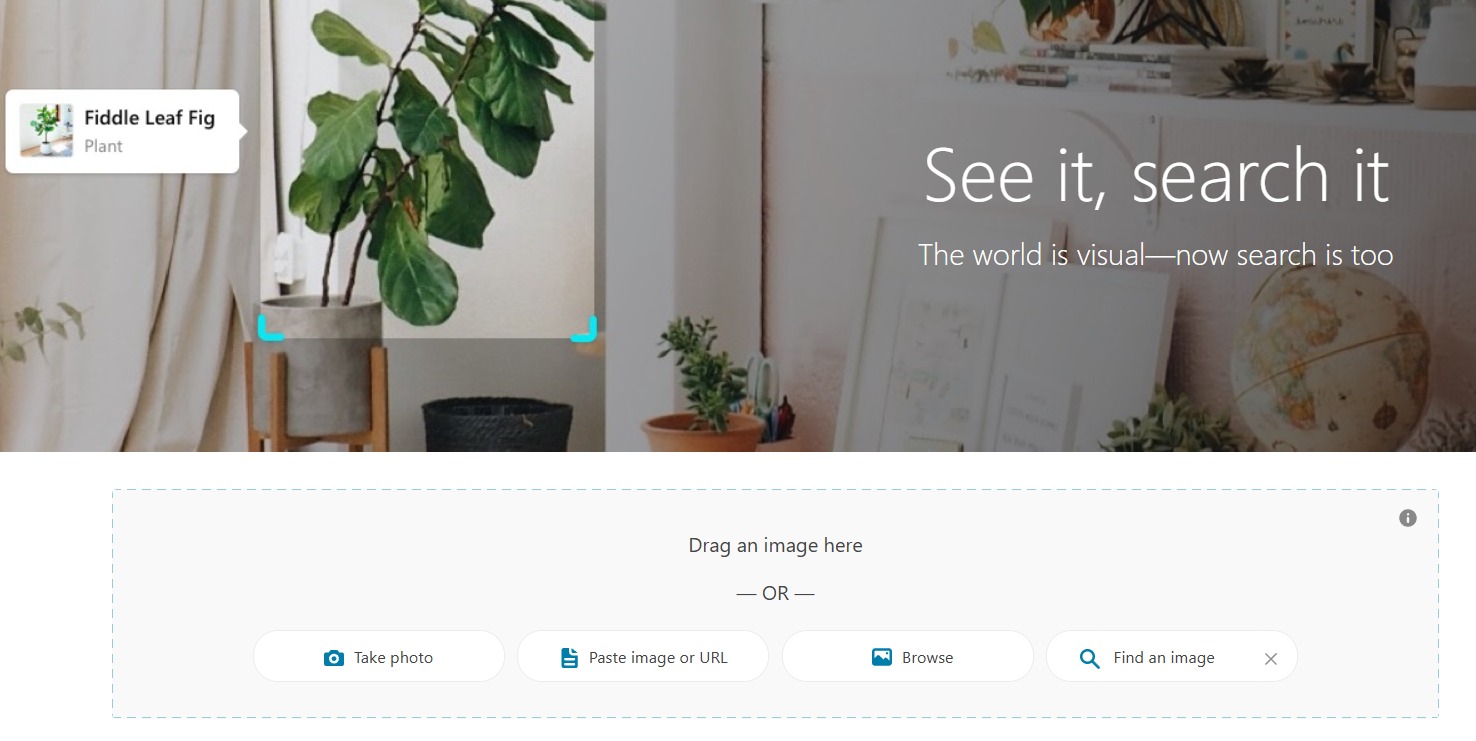
Bing Visual Search turns searching into a more engaging experience. Users may point out certain elements of a picture and the system then finds the products or objects which are most similar. Thanks to this feature, it is mostly used by online shoppers who are in search of matching or related items.
Bing also keeps its image search integrated with Microsoft Edge which is a very handy and quick way of doing the visual lookup without the need of changing tabs.
Pinterest Lens – Ideal for Lifestyle, Fashion, and Décor Ideas

Pinterest Lens is an artistic tool and the main source of inspiration in the area of visual search. It lets the user take a snap, upload a photo, and then find similar ideas across the platform. Irrespective of whether it is the home décor, fashion, or recipes, Pinterest Lens will always offer relevant and trendy results.
Content creators and lifestyle enthusiasts will find this tool as a great way to transform their everyday images into new sources of inspiration.
Yandex Images – Strong in Reverse Image Recognition
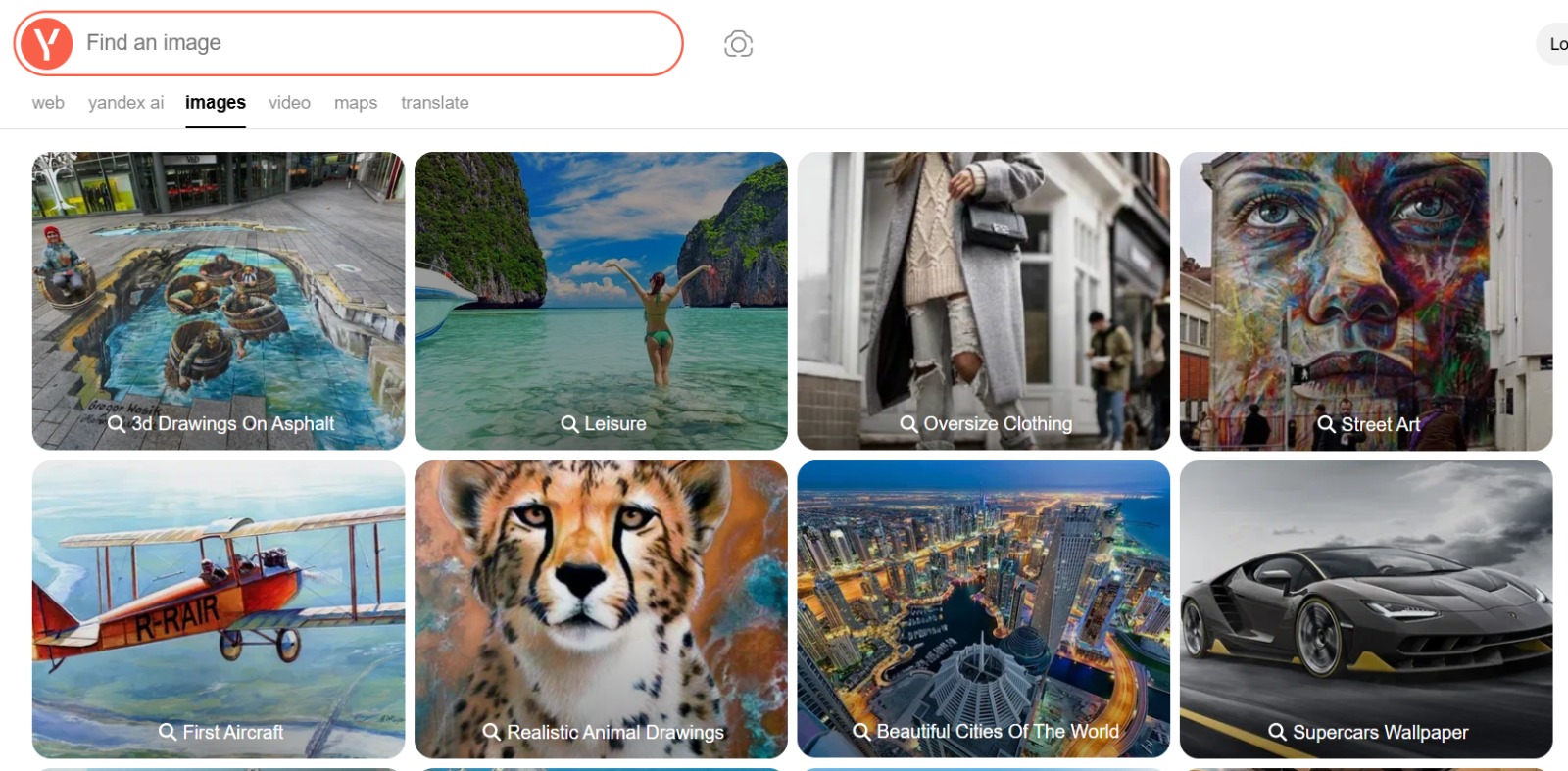
Yandex is a large search engine from Russia, and it has become well-known all over the world for its image recognition abilities. It is very good at finding the closest matches of faces, objects, and landmarks.
As a result, many professionals use Yandex for confirming the results from Google or Bing, as Yandex sometimes discovers the details that others don’t. Due to its sophisticated recognition algorithms, it could be considered as a viable alternative when conducting exhaustive searches.
Shutterstock – Perfect for Copyright Protection and Image Tracking

Shutterstock is not just a stock photo platform; it additionally provides a powerful reverse search feature available to registered users. This feature allows the creators to be sure that their original works are not the ones that are being wrongly used elsewhere.
For companies and photographers, Shutterstock is a support system in tracking the where and how of the appearance of their licensed visuals online. While it may seem to be a facilitation of intellectual property protection, at the same time it is encouraging the responsible use of images.
Best Practices for Effective Image Searching
One of the best measures that can make image searches more efficient is focusing on the clarity and quality of the images. High-resolution images must always be used because low-quality or cropped visuals may cause the results to be inaccurate. When undertaking keyword-based searches, ensure that you use descriptive and specific terms. As an illustration, instead of the word “shoes,” you should type “black leather running shoes.”
Try out different search tools to see which one works best for you. While Google is good for general tasks, TinEye is perfect for locating image copies, and Pinterest Lens is suitable for creative discovery. The use of various instruments can result in a more complete outcome.
Another good method is to narrow down the searches by applying filter options. Most search engines give you the option to sort results by size, color, usage rights, or publication date. This functionality guarantees that you will only be looking at the images that are relevant and legally available for use.
Lastly, be sure that your search is done in an ethical manner. Always comply with copyrights and use images only within the limits of licensing agreements. Besides shielding you from legal problems, this practice also supports the content creators who generate quality visual materials.
Common Mistakes to Avoid
Incorrectly done image searches often lead to errors in the results. One of the most frequent problems is when a person uses an ill-quality or edited image to perform the search, which then confuses the search algorithms. The cropping or resizing of a picture can change its features, thus the chances of the match are lowered.
Another error is the reliance on just one search engine. As every tool uses a different way of indexing, by employing more than one, you have the opportunity to get more results. Not using filters or search options further limits the extent of results that you can get.
Some users are so busy that they forget to check the rights of use before downloading or sharing images. Make sure to always check the copyrights info in order to be safe from any legal issues. Moreover, stuffing your searches with too many keywords and irrelevant terms may result in a messy output. The secret of successful image search is to keep your queries simple and straightforward.
Conclusion
Image search is no longer just about typing a few words and scrolling endlessly. With the right image search techniques, you can find accurate, high-quality, and trustworthy images in less time.
From reverse image search and advanced filters to color matching and license checking, these techniques empower users to search smarter, not harder. Whether you’re creating content, doing research, or verifying information, mastering image search techniques is a skill that will continue to grow in importance in the digital world.